
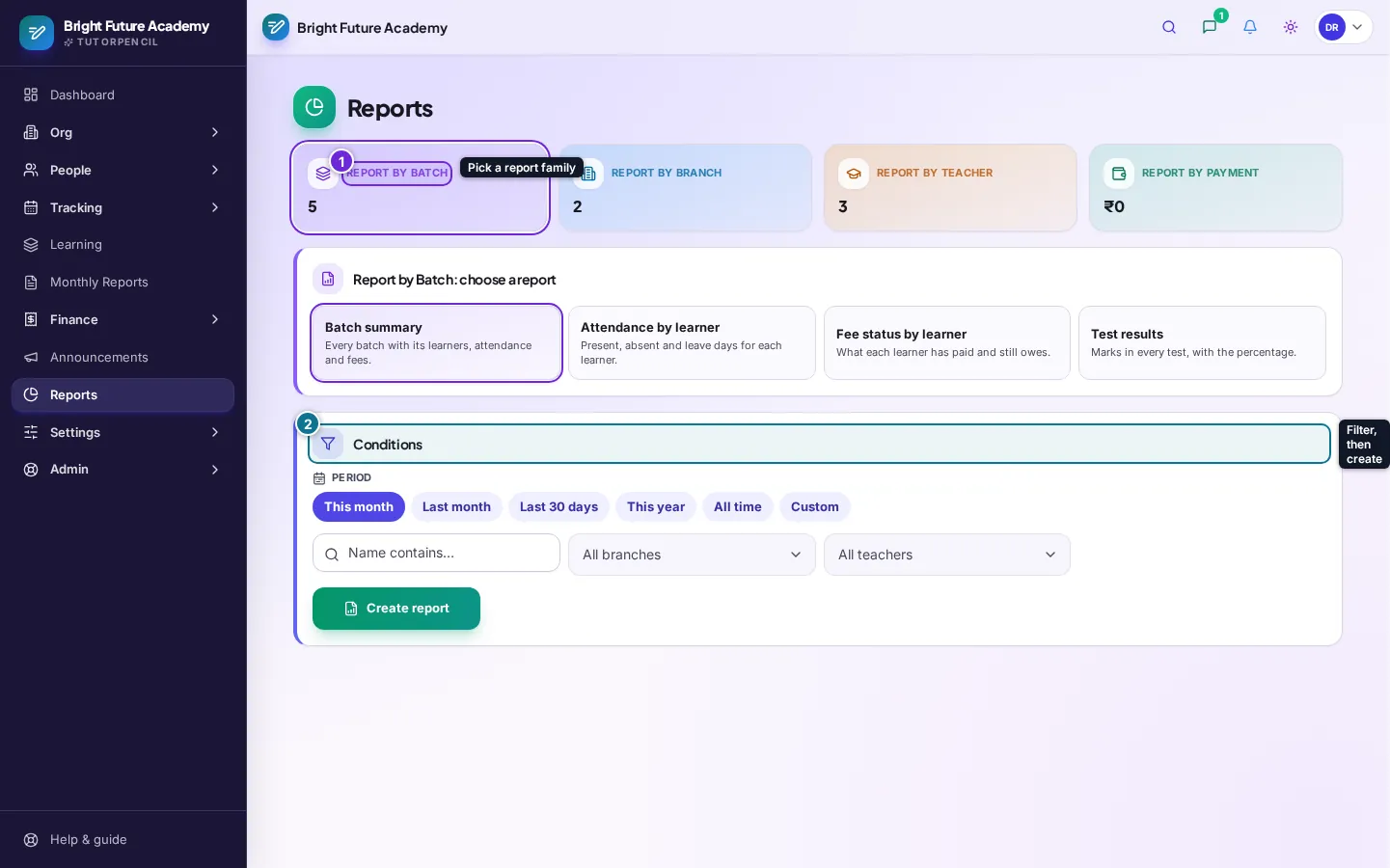
- Open Reports and choose the report.
- Set the Period — This month, Last month, Last 30 days, This year, All time or Custom (with From).
- Add Conditions if you like: Name contains, Batch, Branch, Teacher, Payment method, Fee status (Overdue, Pending, Paid) and Learner status (Active, Inactive, Active and inactive).
- Download with CSV, or Print (use Print or save as PDF).
Troubleshooting & FAQ
"Nothing matches these conditions" — try a longer period or fewer conditions.
Related pages: Expenses & business dashboardFee plans & schedulesAttendance calendar & day rosterTeacher hours & pay