
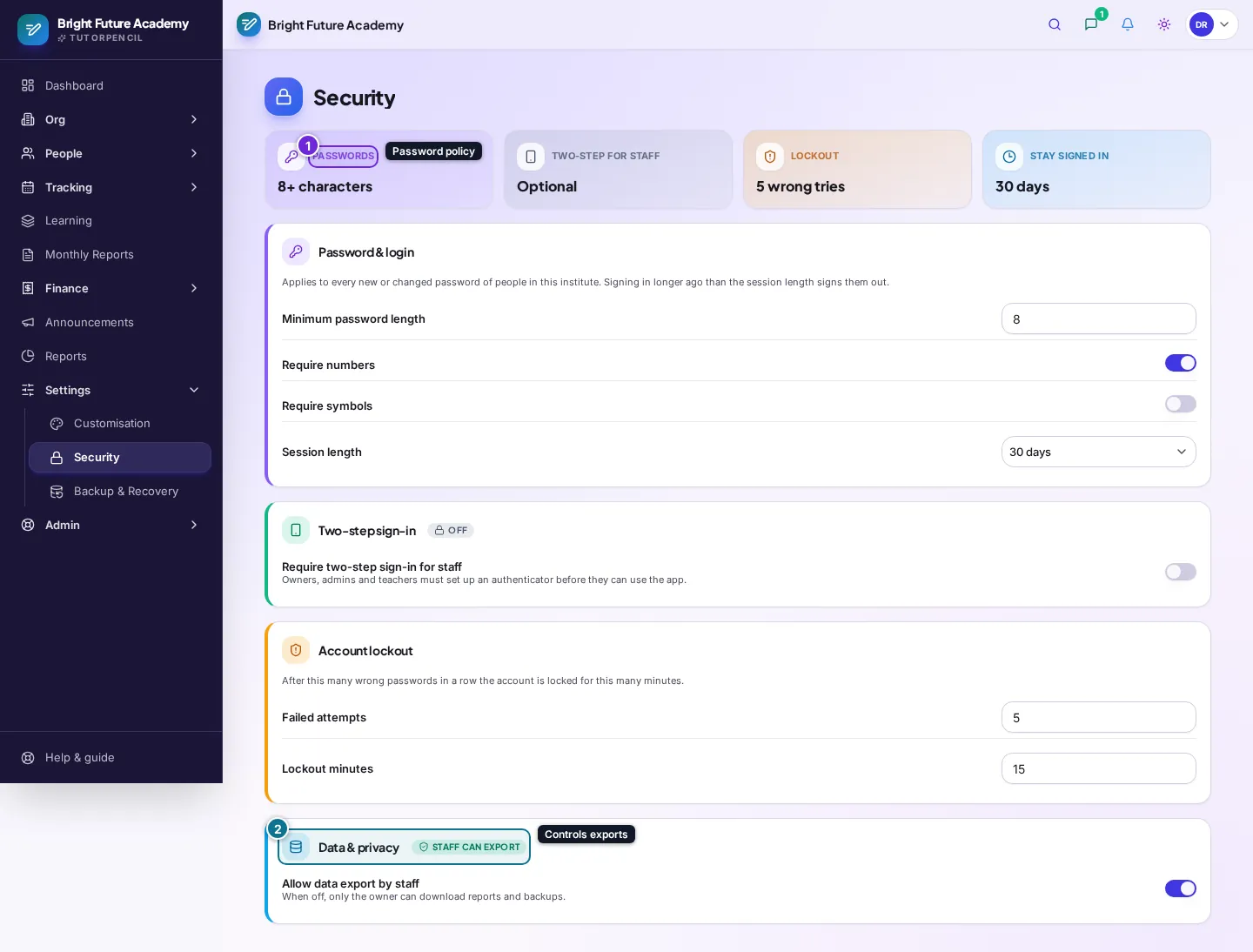
Open Settings → Security and set:
- Passwords — Minimum password length, Require numbers, Require symbols. These apply to every new or changed password in the institute.
- Two-step for staff — Require two-step sign-in for staff. Owners, admins and teachers must then set up an authenticator before they can use the app.
- Lockout — Failed attempts and Lockout minutes: after that many wrong passwords in a row, the account is locked for that long.
- Stay signed in — Session length (7 days, 30 days or 90 days). People who signed in longer ago are signed out.
- Data & privacy — Allow data export by staff. When off, only the owner can download reports and backups.
Save.
Troubleshooting & FAQ
Staff can't sign in after I required two-step — they need to set up an authenticator when asked at sign-in. Someone is locked out — they can try again after the lockout minutes, or reset their password.
Related pages: Two-step sign-in and passkeysRoles and who can do whatBackup & restore