
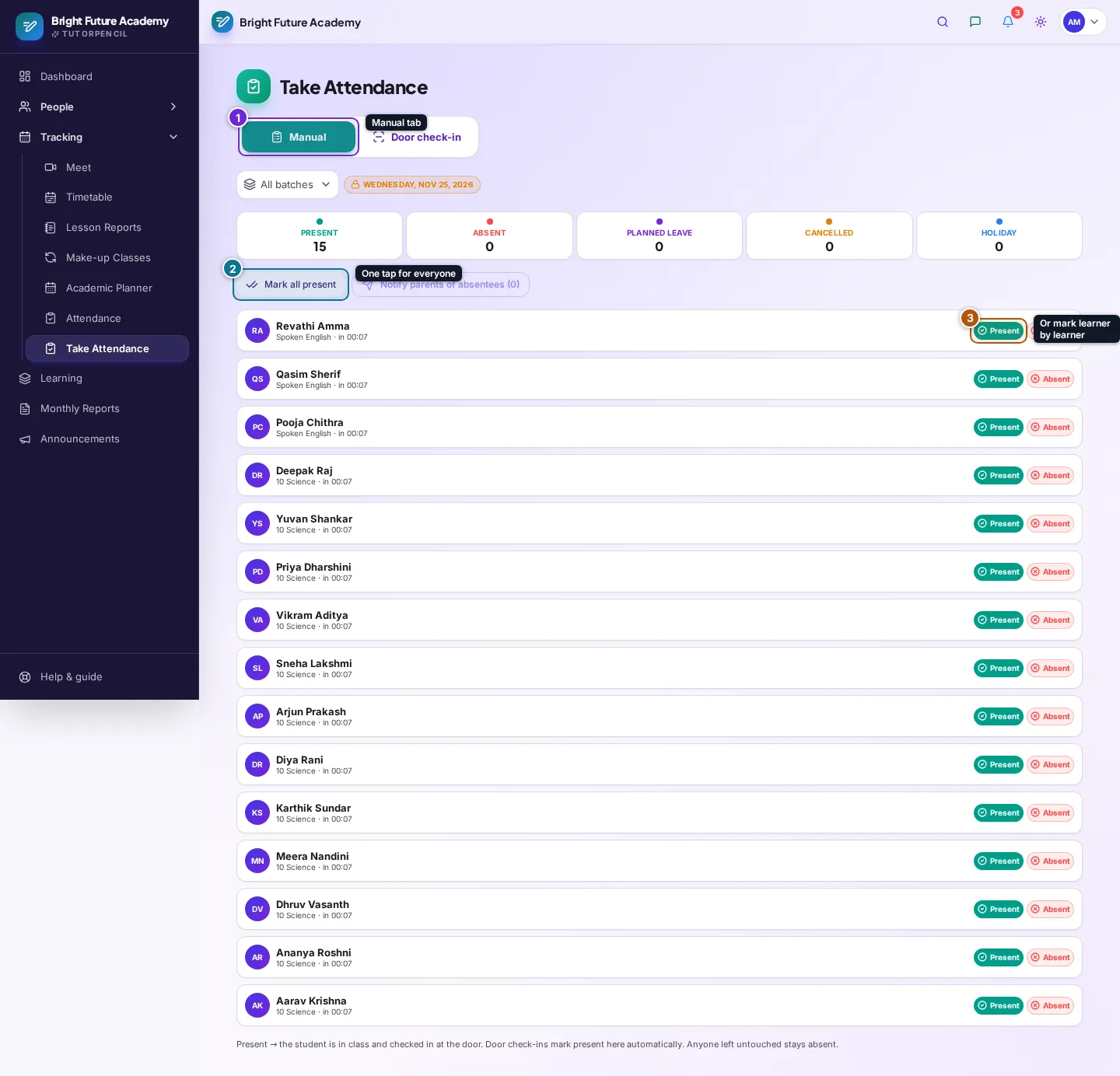
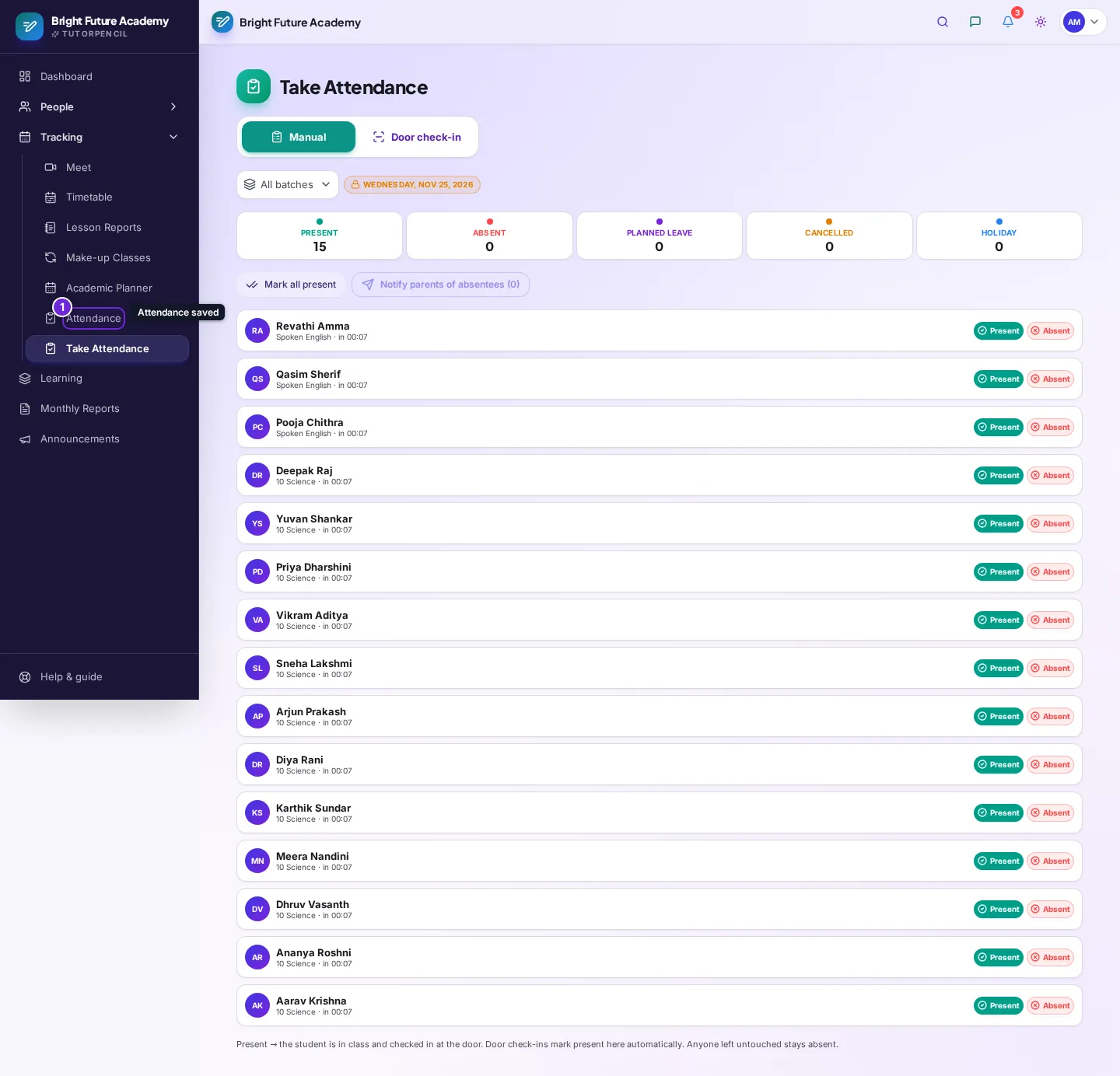
- Open Tracking → Take Attendance → Manual.
- Tap Present for each learner, or mark everyone present and change the few who are away.
- Use Notify parents of absentees: each family of an absent learner gets a notification with the message filled in.
How it works
Take Attendance has two tabs:
- Manual — pick a batch and mark each learner. Anyone not marked is counted absent.
- Door check-in — scan each learner's QR card at the door (see Door check-in with QR cards).
Admins see only Door check-in.
Troubleshooting & FAQ
"No students in your batches yet" — add students to the batch first (People → Students). A parent says their child was present but I marked absent — correct the mark from the day roster in Tracking → Attendance.
Related pages: Attendance calendar & day rosterDoor check-in with QR cardsTeacher hours & pay