
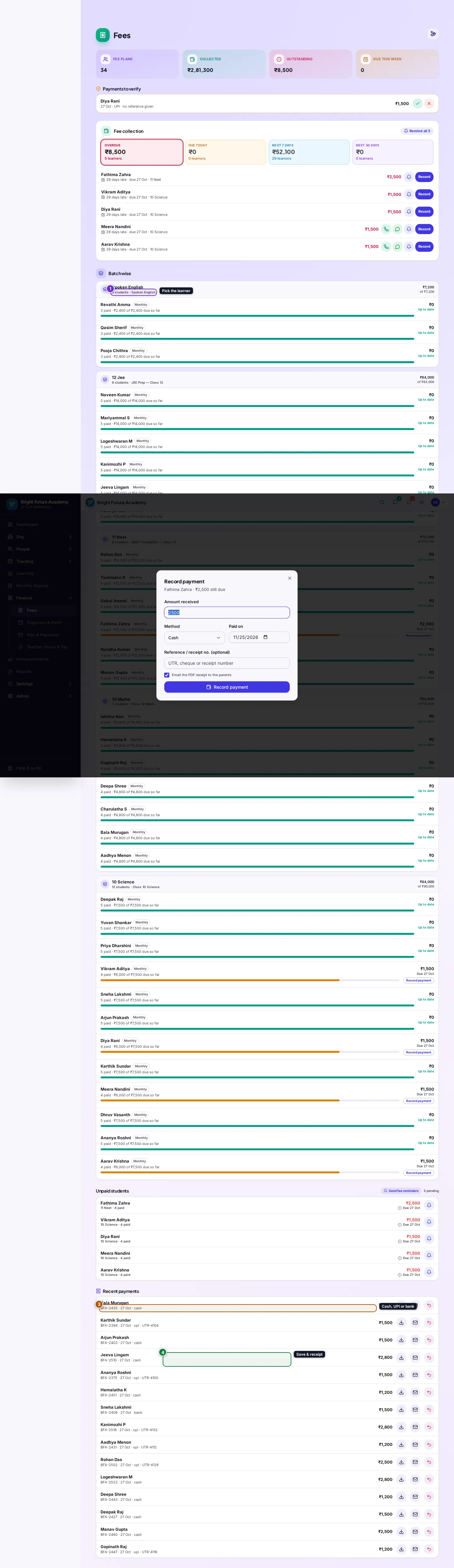
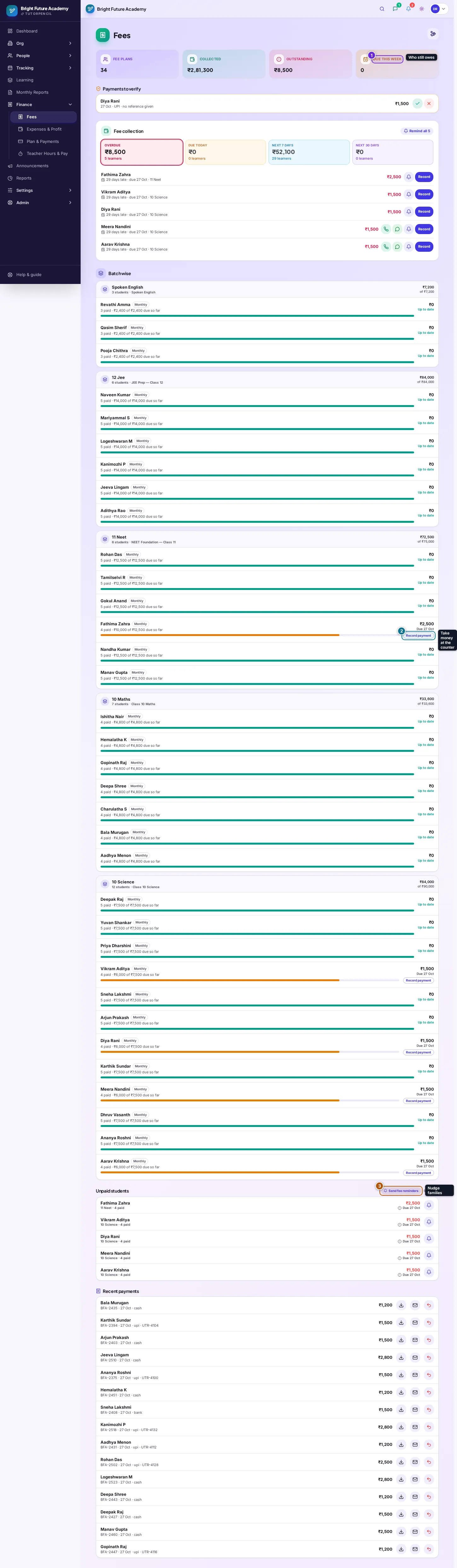
- Open Finance → Fees, find the learner and press Record payment.
- Fill Amount received, Method, Paid on and, optionally, Reference / receipt no. (UTR, cheque or receipt number).
- Leave Email the PDF receipt to the parents ticked to send the receipt.
- Save. Receipts are numbered automatically.
Daily use
- Recent payments list each payment with Download receipt and Email receipt.
- To refund, give the money back first (UPI, bank or cash), then press Record a refund and say why.
Troubleshooting & FAQ
"The payment is saved, but the receipt email could not be sent" — use Email receipt later, or Download receipt and share it. I recorded it on the wrong child — record a refund on that entry and record the payment on the right child.
Related pages: Fee plans & schedulesUPI & online payments to verifyExpenses & business dashboard