
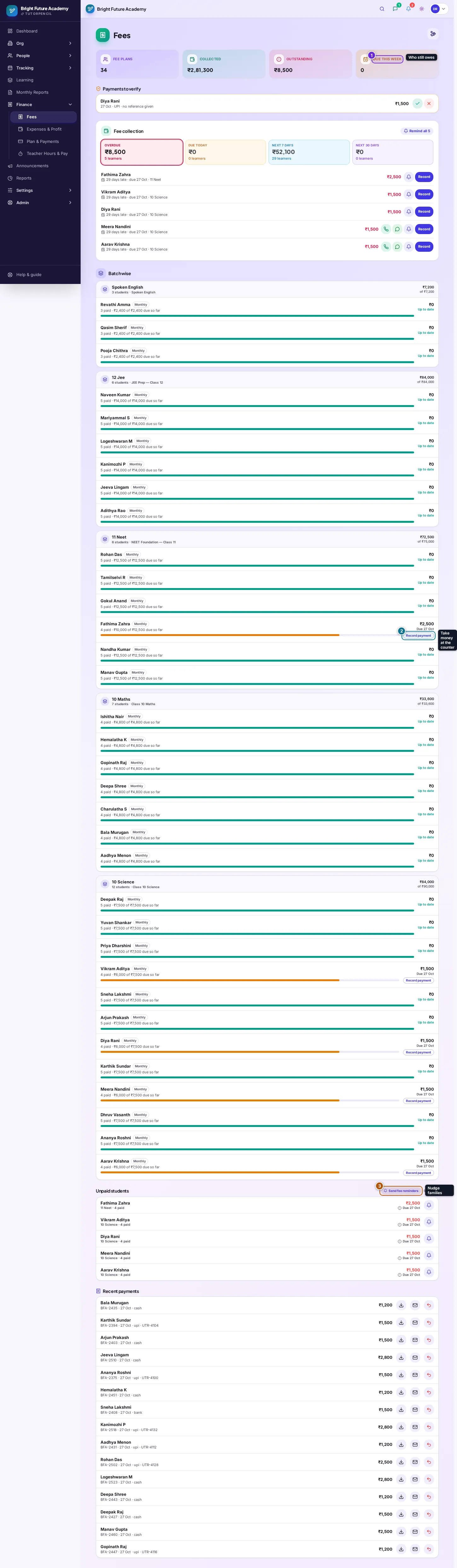
- Press Send fee reminders to notify every family with dues, or press the bell on one row to remind just that family.
- To send reminders automatically, open Org → Details → How families pay you → Automatic fee reminders and set Remind before the due date (days) (0 = only on the day it's due) and how often to remind while overdue.
- Optionally set a Late fee (amount) and Charged after (days overdue) there.
How it works
Unpaid students lists every learner with dues. When everyone has paid it says Everyone is paid up.
Troubleshooting & FAQ
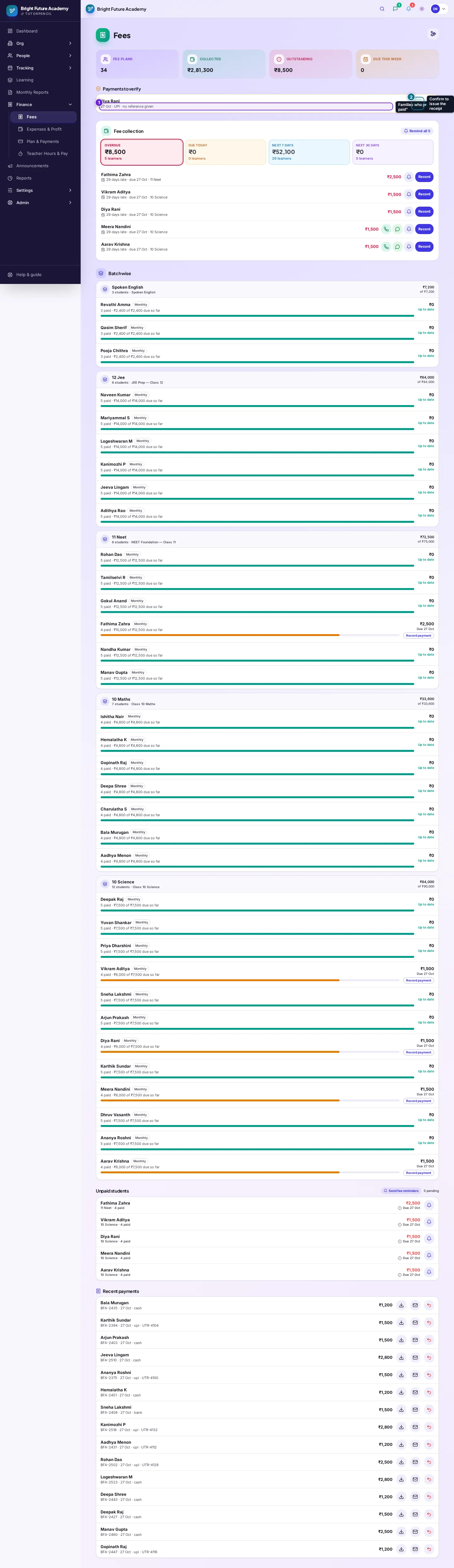
An automatic reminder didn't go out — check the reminder settings are saved and that the learner really has a due amount. Families say they paid — check Payments to verify and confirm their payment.
Related pages: Fee plans & schedulesRecording payments + receiptsUPI & online payments to verify