
Nobody is added to an institute silently. Teachers, admins, learners and parents join through an invitation link that only works for the email it was sent to.
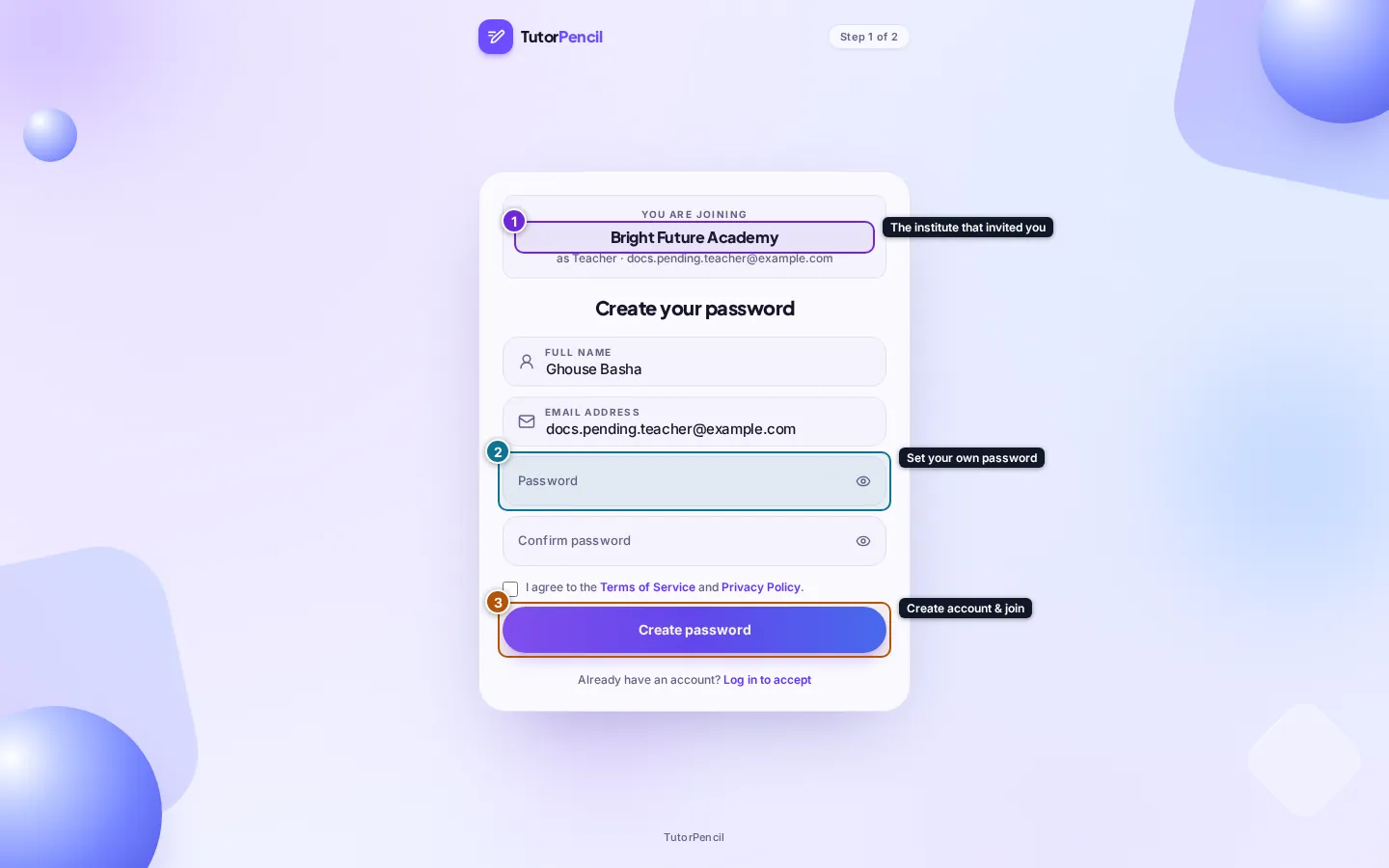
- Open the invitation email and click the link. The page shows You are joining with the institute's name.
- Confirm your email: enter the 6-digit code from the email, or click the confirmation link inside it, then press Verify and accept.
- Create your password and press Create password. You land on your Dashboard.
- Already have an account? Press Log in to accept, sign in as usual, and the invitation is accepted.
How it works
When the institute adds you (for example with Add Teacher or Add student), TutorPencil emails you a personal invitation link. The link knows your email and the role you were given. Opening it walks you through two short steps — Step 1 of 2: Confirm your email and Step 2 of 2: Create your password — and then adds the institute to your account.
If your email already has a TutorPencil account, the page tells you so and asks you to Log in to accept; the new institute is simply added to the account you already have.
Daily use
- One email, one account. If two institutes invite you, you still sign in once and switch between them.
- A parent with several children uses one login for all of them.
Troubleshooting & FAQ
- I can't find the invitation email
- check spam, then ask the institute to press Resend invitation on your row, or to Copy link and send it to you directly. "This invitation has expired" — links last 2 days. Ask the institute to resend it; the new link replaces the old one. It says I'm signed in to another account — press Sign out and continue, or open the link in a private (incognito) window.
Related pages: Sign in, passwords and GoogleJoin requests & invitationsTeachers and administrators