
Owners and independent teachers sign up themselves. Everyone else — teachers, learners, parents — joins through an invitation instead.
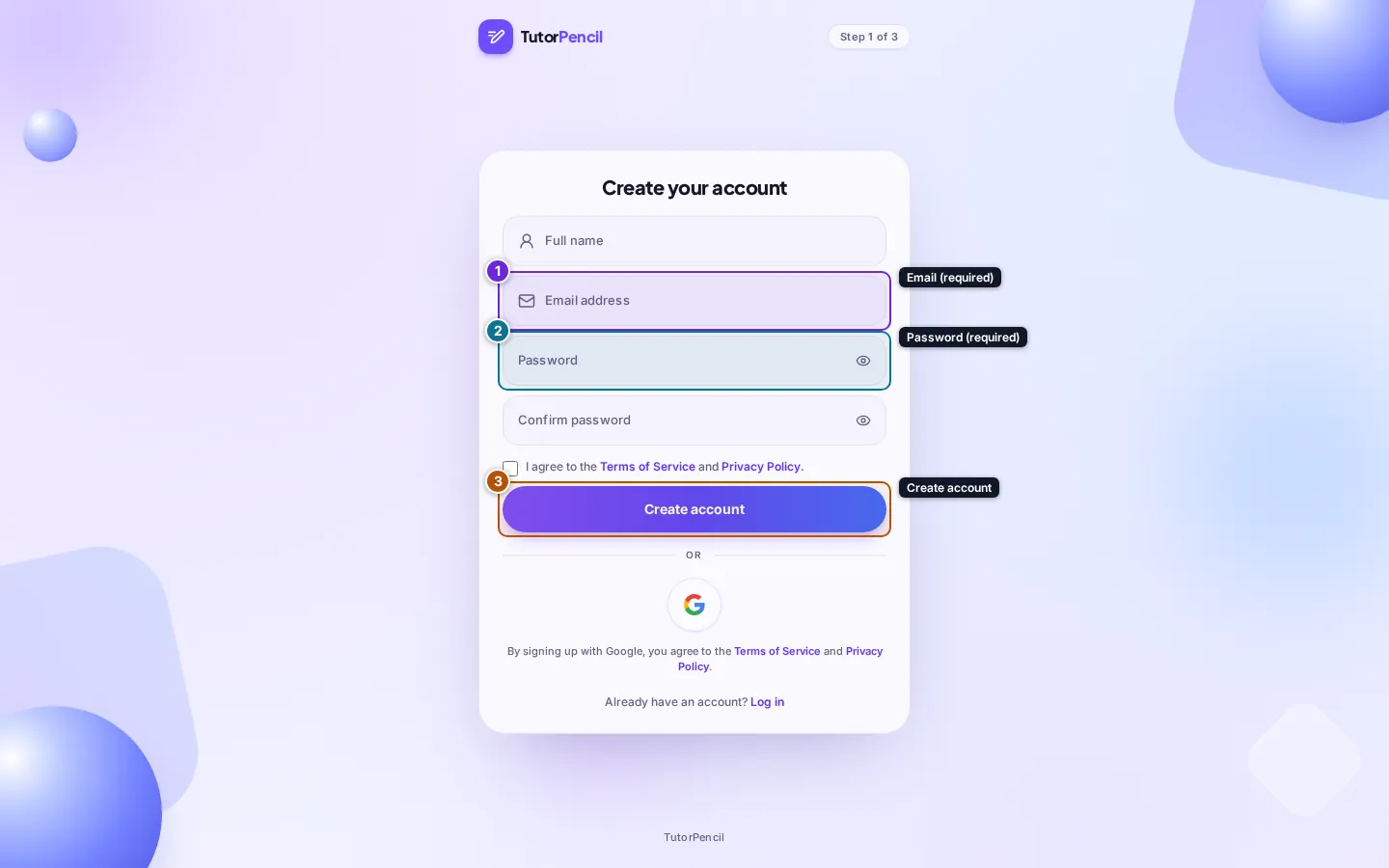
- Go to Sign up and fill Full name, Email address, Password and Confirm password (or use Continue with Google). Press Create your account.
- Confirm your email: enter the 6-digit code from the email, or click its confirmation link. Didn't get it? Press Resend.
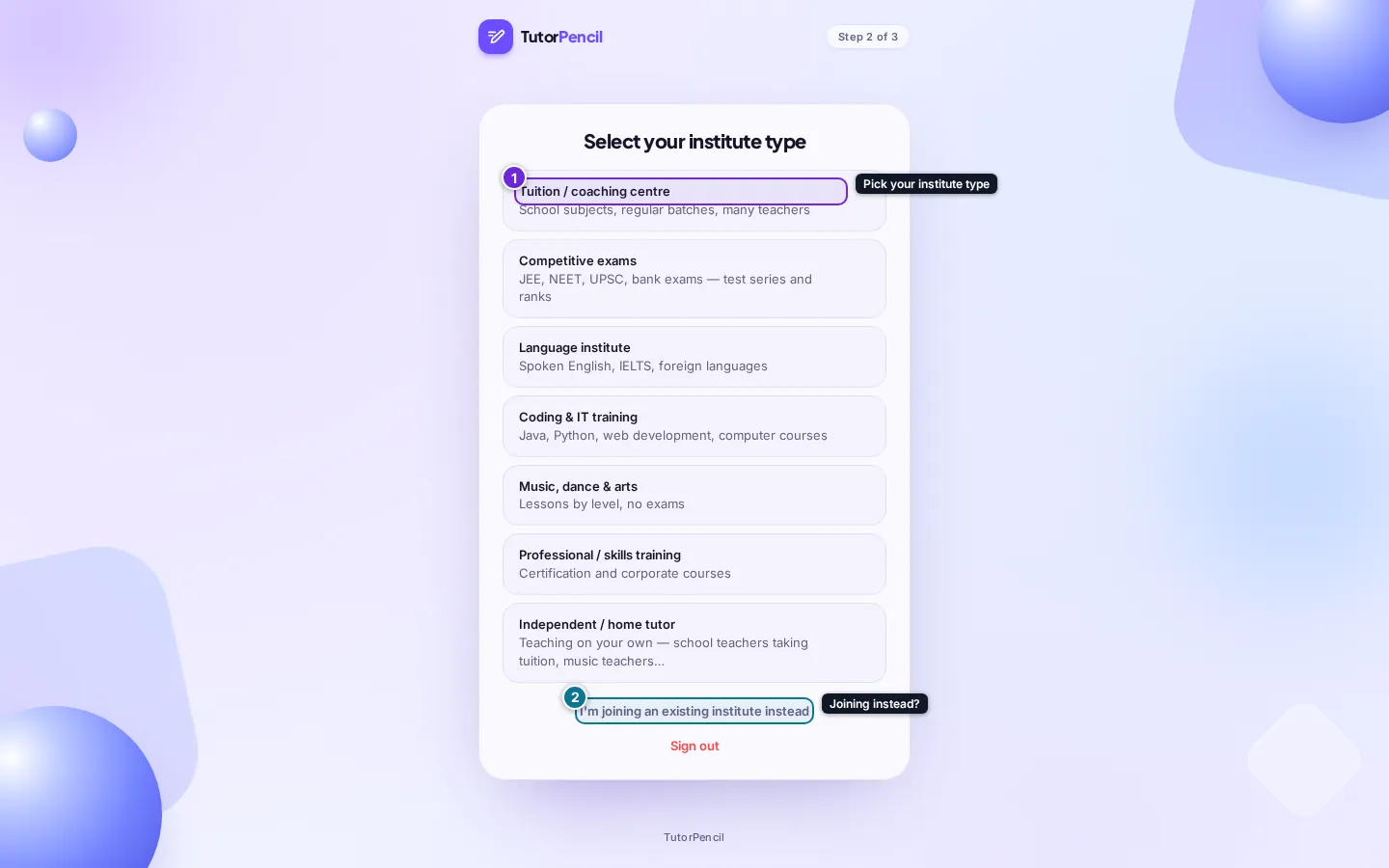
- Choose what you are setting up — an institute or a one-person tutor workspace. You can go back with Change institute type.
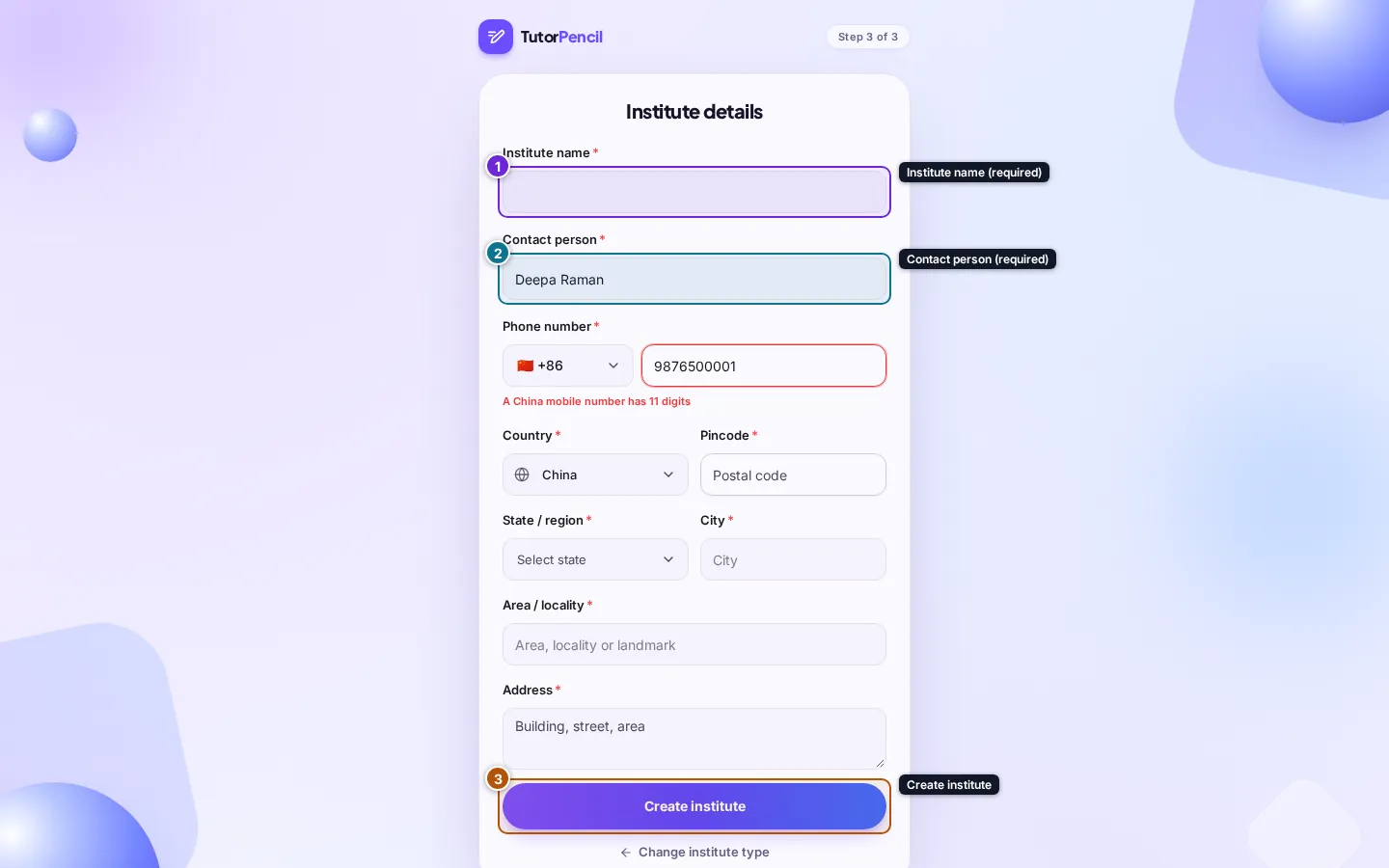
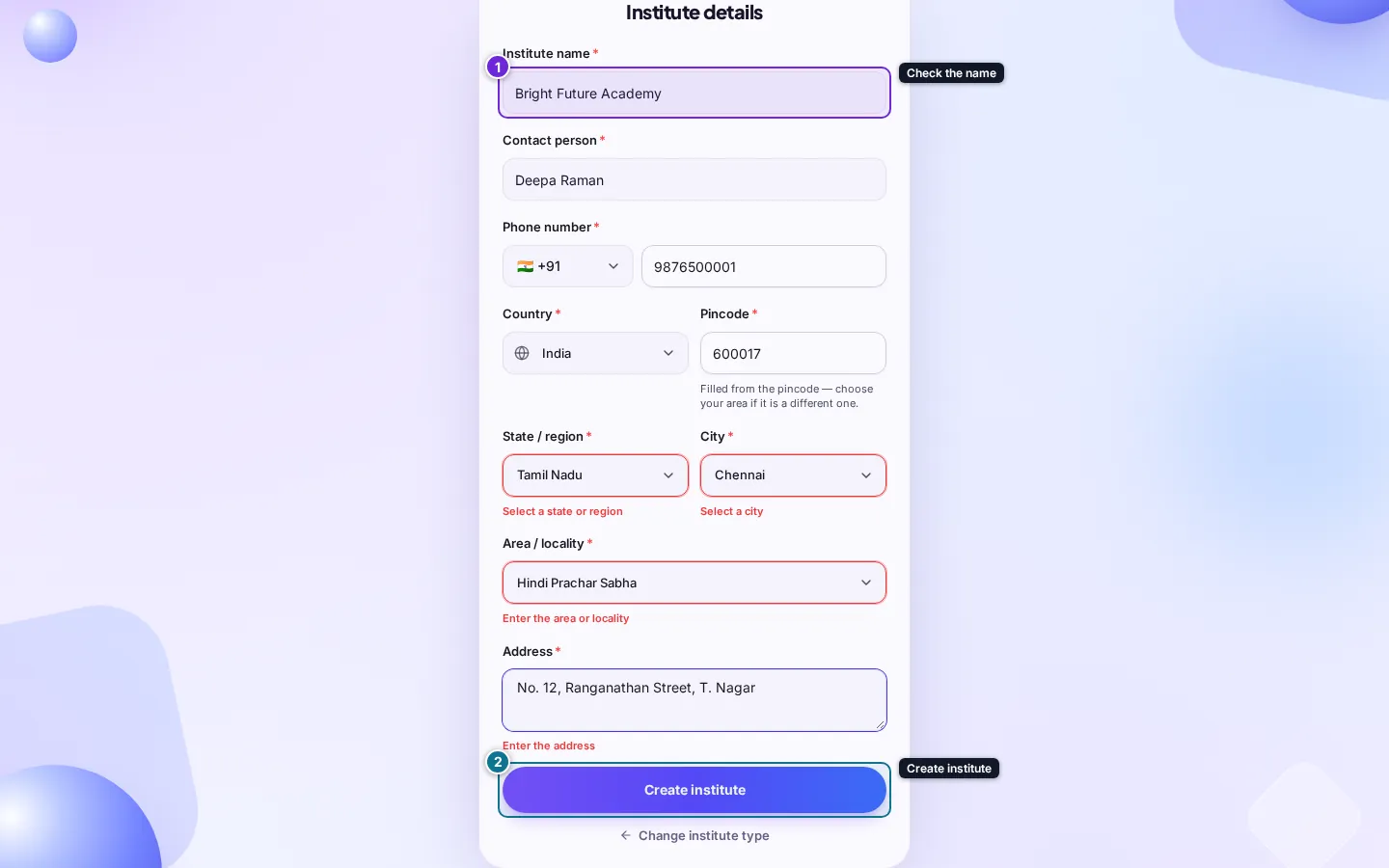
- Fill in the details: Institute name (or Tutor / business name), Contact person, address, area, pincode, state and city.
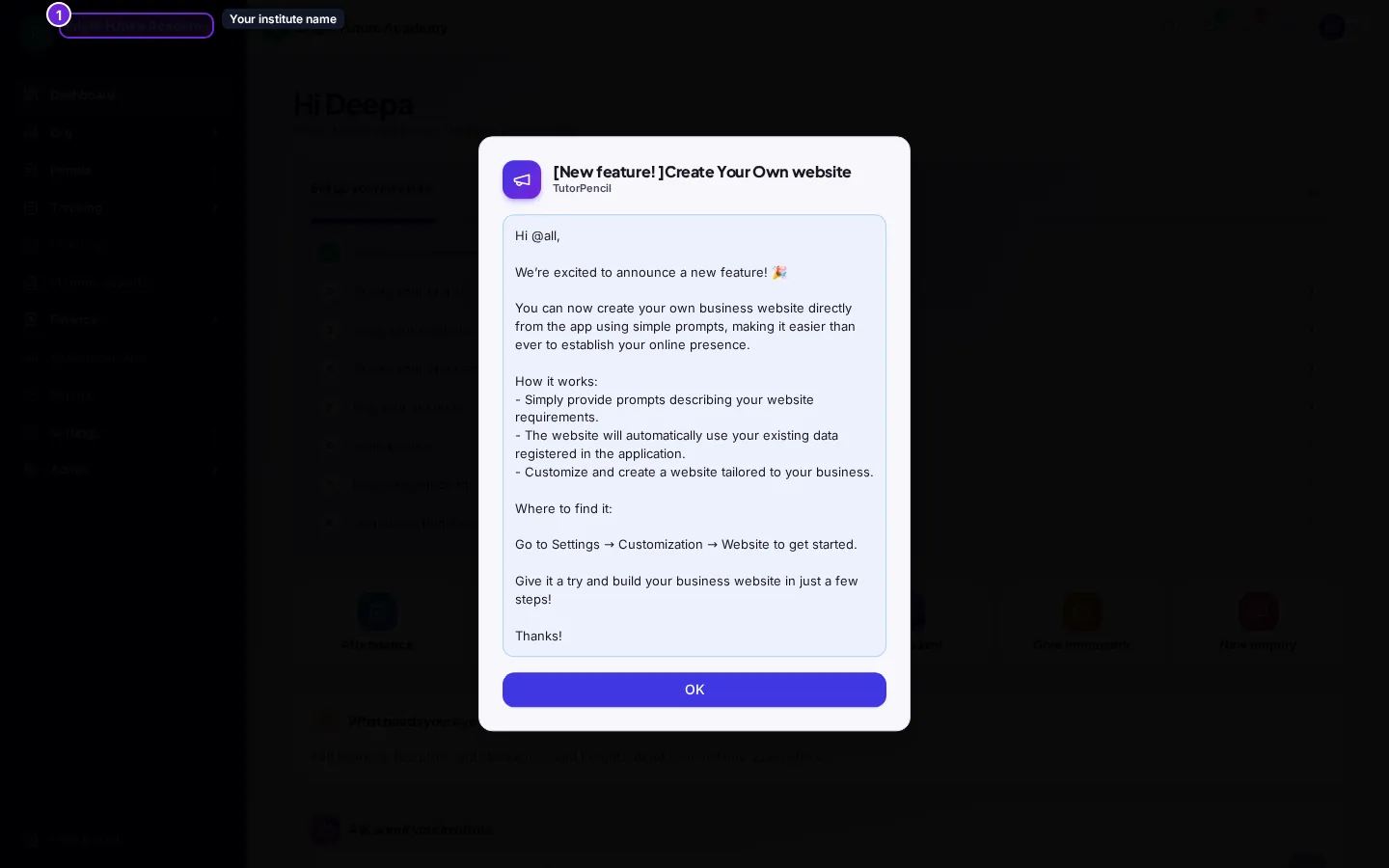
- Press Create institute (or Create tutor workspace). You land on the Dashboard with the Set up your institute checklist.
Troubleshooting & FAQ
The code email doesn't arrive — check spam and press Resend. My email "already has an account" — sign in instead. From your account you can still register your own institute.
Related pages: First steps checklistPlans & billing with TutorPencilAccept an invitation