
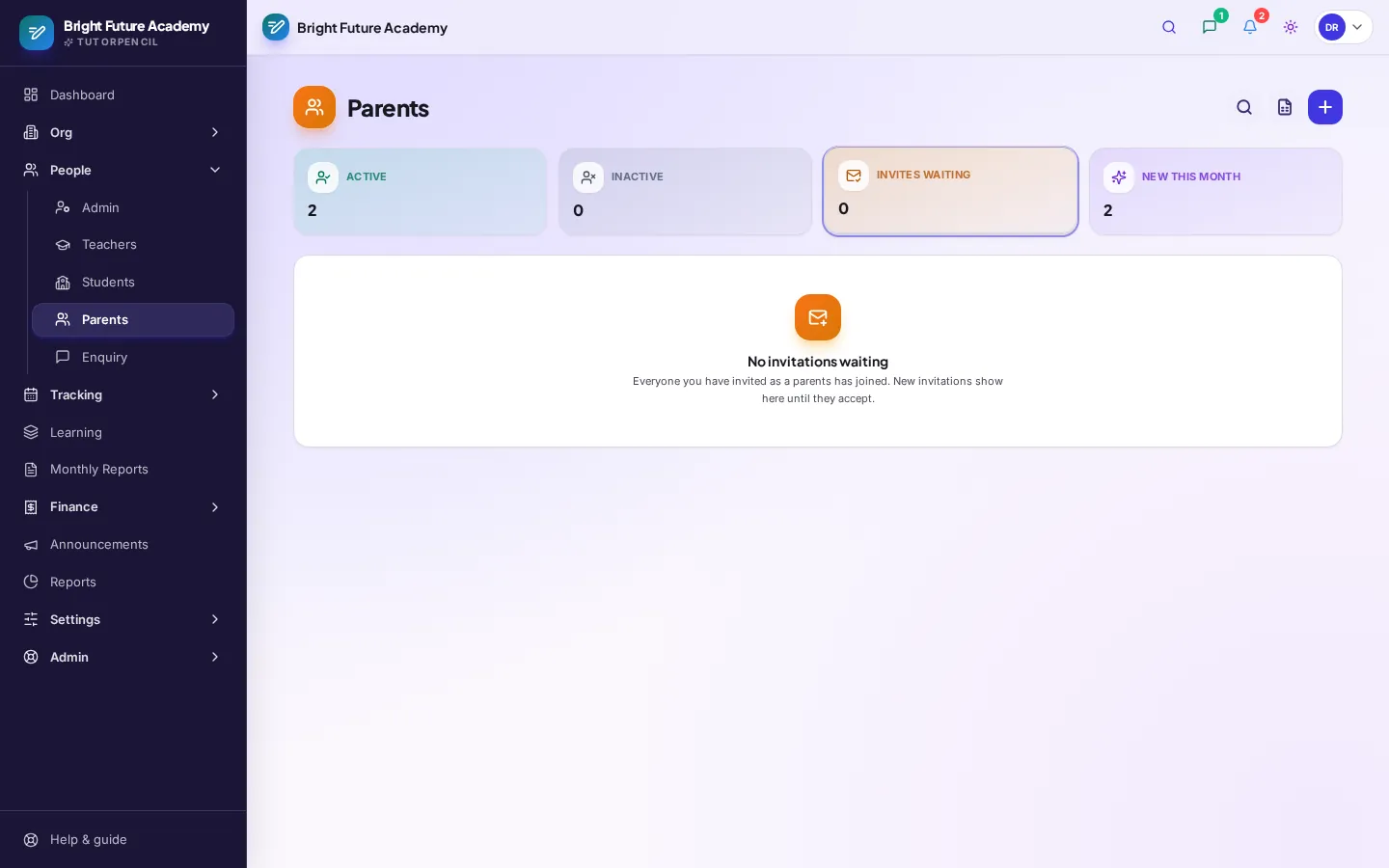
- Open any People list and the Invites tab. Invites waiting shows invitations not yet accepted and join requests to approve.
- For a pending invitation use Re-send (emails it again), Copy invite link, or Revoke invitation.
- For a join request, open it and approve or decline.
How it works
There are two ways in:
- Invitations — you add a person and TutorPencil emails them a join link (valid for 2 days).
- Join requests — a parent or student who knows your Institute ID asks to join from the app. They choose I am a parent / guardian or I am a student, enter the student ID, and press Send access request. They see "Your join request is awaiting institute approval" until you decide.
Troubleshooting & FAQ
"This invitation has expired" — invitations last 2 days. Press Re-send on the Invites tab. Someone joined but can't see their batch — check their batch on the student record, or that a parent is linked to the right child.
Related pages: Accept an invitationTeachers and administratorsParents and guardians