
How can we help?
Step-by-step guides for every screen in TutorPencil.
First steps
Getting started
Sign in, register your institute, accept an invite and find your way around.
 Accept an invitationOpen the link, confirm your email, create a password — and you are inside the institute that invited you.
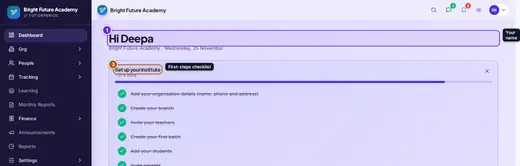 DashboardYour workspace at a glance — what is happening today and what needs you.
First steps checklistThe order that gets a new institute running.
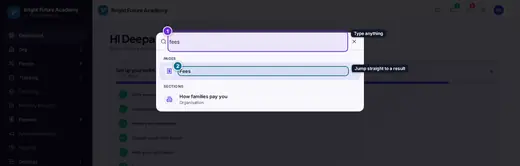 Global searchOne box that finds pages, settings and records from anywhere in the app.
 Phone apps, install and push alertsPut TutorPencil on your home screen and get notifications on your phone.
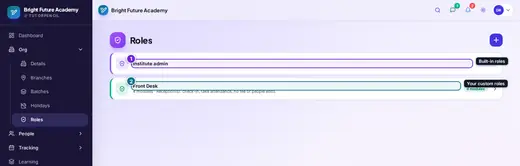 Roles and who can do whatOwner, admin, teacher, student, parent — and custom roles for your own team.
 Sign in, passwords and GoogleSigning in with a password, Google or a passkey, and getting back in when you forget your password.
 Sign up and register your instituteCreate an account, confirm your email, and set up your institute or tutor workspace.
 Two-step sign-in and passkeysProtect your account with an authenticator code, or sign in with your fingerprint or face.
Org & People
Institute details, branches, batches, students, parents, teachers and enquiries.
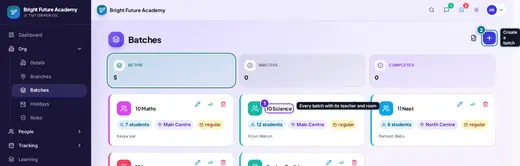 BatchesA group of learners taught together — attendance, learning, fees and the timetable all work per batch.
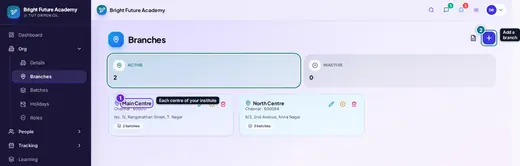 BranchesEach centre where your batches run.
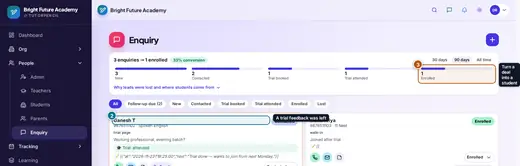 Enquiries, the public form and free trial classesEvery lead from walk-ins, calls, your enquiry link and your website — tracked until they join.
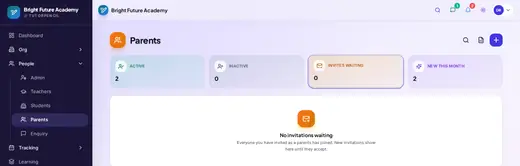 Join requests & invitationsInvitations you send, and requests from parents and students who ask to join.
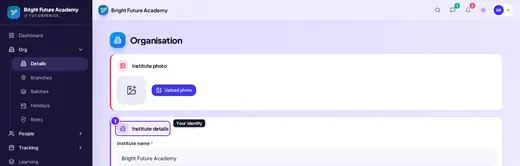 Organisation detailsYour institute's name, contact details and photo, how families pay you, and your public links.
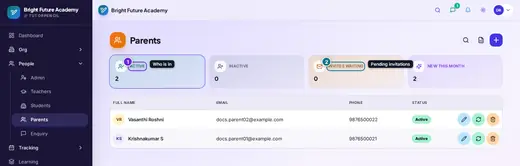 Parents and guardiansGive families their own login to follow their children.
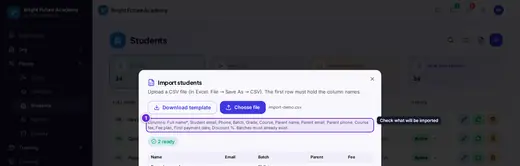 Import students from Excel or CSVAdd many learners at once, with their parents and fee plans.
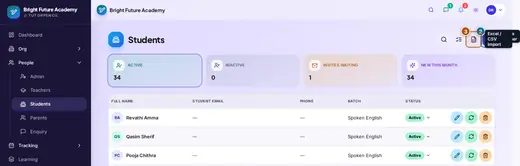 StudentsAdding learners, their batch and fee plan, and keeping their records up to date.
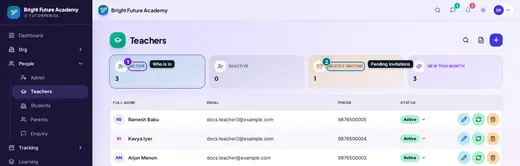 Teachers and administratorsInvite your staff and decide what each of them can do.
Tracking
Timetable, attendance, check-in, lesson reports, make-up classes, holidays and meetings.
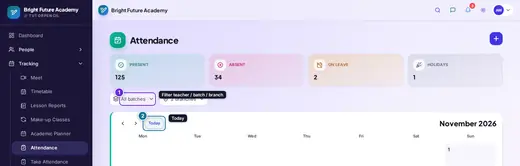 Attendance calendar & day rosterThe whole month as coloured days — and who was present on each one.
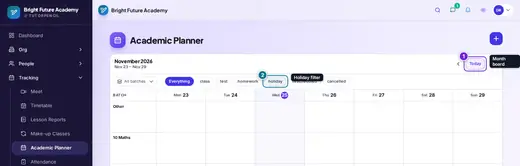 Academic planner & holidaysClasses, tests, homework deadlines, meetings, holidays and cancelled days on one calendar.
Planned leaveTell the institute in advance that a learner — or a staff member — will be away.
 Lesson reportsA short note after each class — what was covered, the homework and the plan for next time.
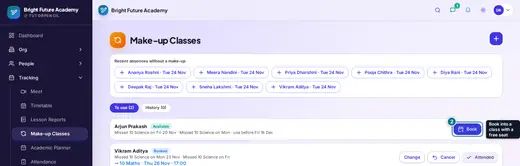 Make-up classesA missed class becomes a credit that can be booked into another class with a free seat.
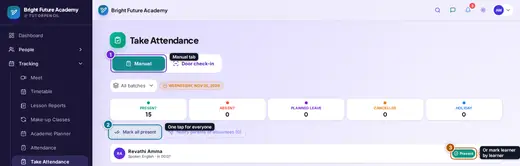 Taking attendanceMark today's classes by hand, or let the QR scanner at the door do it.
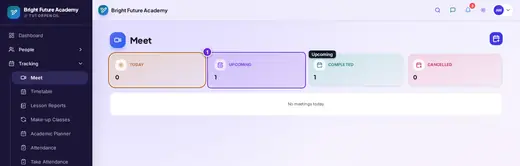 Meetings & online classesParent meetings, staff meetings and online classes — in person or in TutorPencil's own video room.
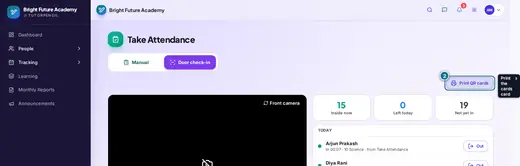 Door check-in with QR cardsA tablet or phone at the entrance scans each learner's QR card; parents are told when their child arrives and leaves.
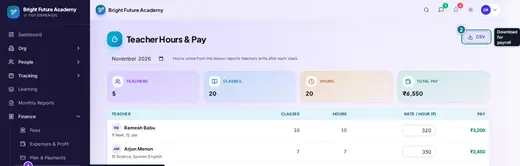 Teacher hours & payEach teacher's classes and hours for the month, and their pay at an hourly rate.
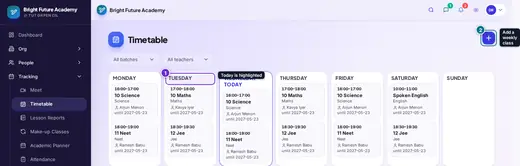 TimetableEvery batch's weekly classes, with time, place and teacher.
Learning
Tests and exams, results, topic mastery, homework and study materials.
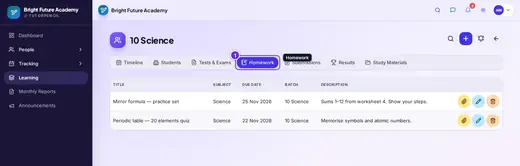 Homework & submissionsTeachers set homework with a due date; students hand it in; teachers review it with marks and feedback.
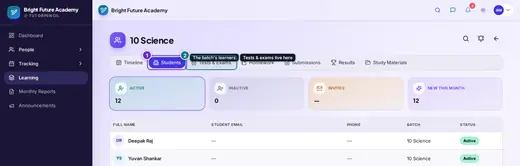 Learning — inside a batchOne place for a batch's students, tests, homework, submissions, results and study materials.
 Results & report cardsMarks for every test, published to learners and parents when you're ready.
 Study materialsShare notes, worksheets, files and links with a batch.
 Taking an online exam (the learner's view)How students sit an online test inside the app.
 Tests, online exams and resultsOffline tests with marks entry, or online exams taken in the app with automatic marking.
Topic masterySee which topics the class finds hard, from online test answers.
Finance
Fee plans, payments, UPI, reminders, expenses and your TutorPencil plan.
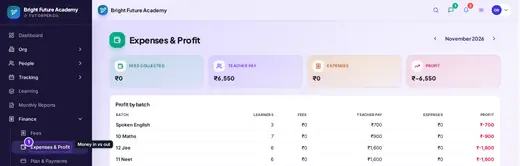 Expenses & business dashboardWhat the institute spends, what each batch earns, and the owner's business view.
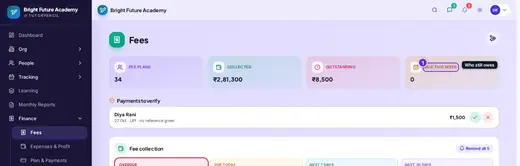 Fee plans & schedulesEach learner's fee — monthly, or a total course fee paid in full or by EMI.
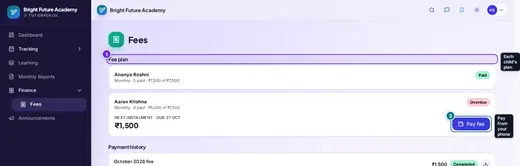 Parents see fees & payHow parents check what's due and pay by UPI, bank transfer or cash.
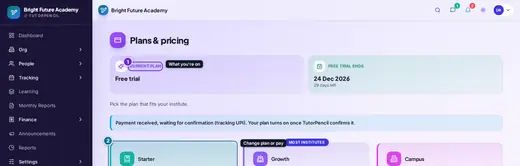 Plans & billing with TutorPencilYour institute's own TutorPencil plan — what it includes, the free trial, and paying for it.
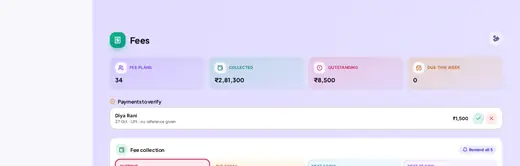 Recording payments + receiptsRecord a payment at the counter and send the PDF receipt.
Unpaid students & remindersWho still owes fees, and reminding them — by hand or automatically.
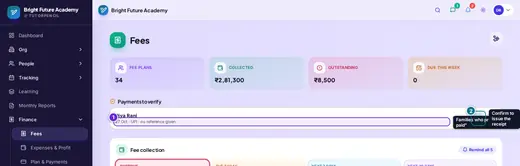 UPI & online payments to verifyLet parents pay you directly by UPI, bank transfer or cash — then confirm each payment.
Communication
Messages, announcements, notifications, parent meetings and support.
 AnnouncementsNotices for everyone, or just the people who need them.
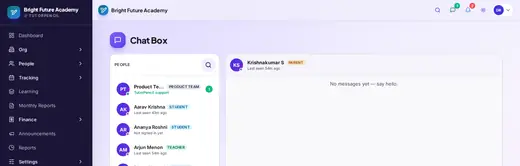 Messages (chat)One-to-one conversations between parents, teachers, students and the institute team.
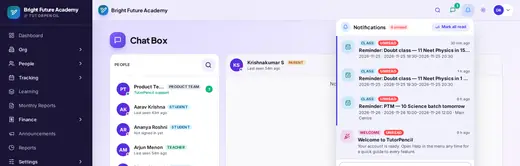 Notifications (the bell)Your alerts — check-ins, lesson reports, results, reminders, replies and more.
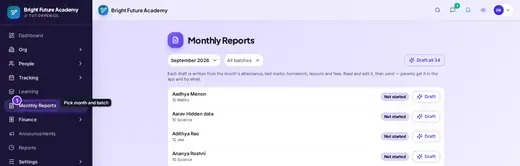 Monthly parent reports & meeting requestsA monthly progress report for each learner, and an easy way for parents to ask to talk.
 Support ticketsAsk the TutorPencil team for help, and follow the reply.
Admin & Settings
Profile, security, customisation, website, reports, backup and audit logs.
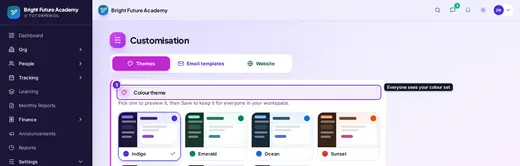 Appearance & themesYour institute's colour theme, and light or dark mode on your own device.
Audit trailWho changed what, and when.
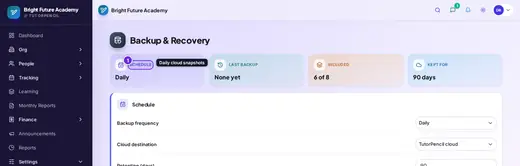 Backup & restoreCopies of your records — on a schedule, on demand, and back into the app if something is deleted.
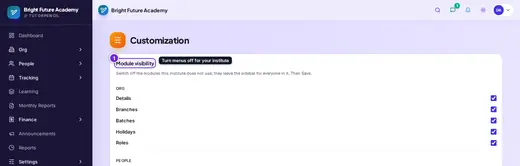 Customization — themes, emails, website and menusWhat you can change yourself, and what the TutorPencil team sets up for you.
Email templatesChange the wording and look of the emails your institute sends.
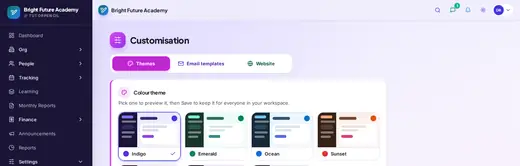 Your institute websiteA website that writes itself from your courses, batches and teachers — with an enquiry form that fills your Enquiries list.
 My profileYour photo, password, sign-in security, phone notifications, IDs and privacy.
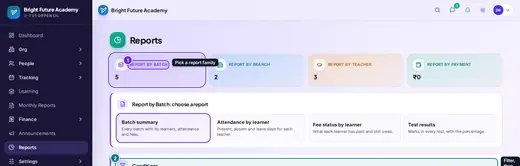 Reports & exportsBuild a list from your records and download it as CSV or print it.
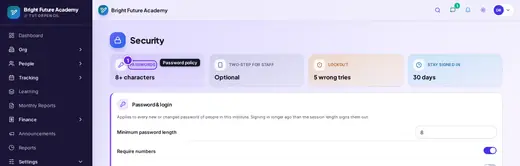 Security rules for your institutePasswords, two-step sign-in for staff, lockout, session length and data export.